Settings
Log
See what Live Alchemy is doing and get the log for a bug report.
Settings → Log shows what Live Alchemy is doing and the errors it hits, as it happens. Each session is also written to a file for bug reports.
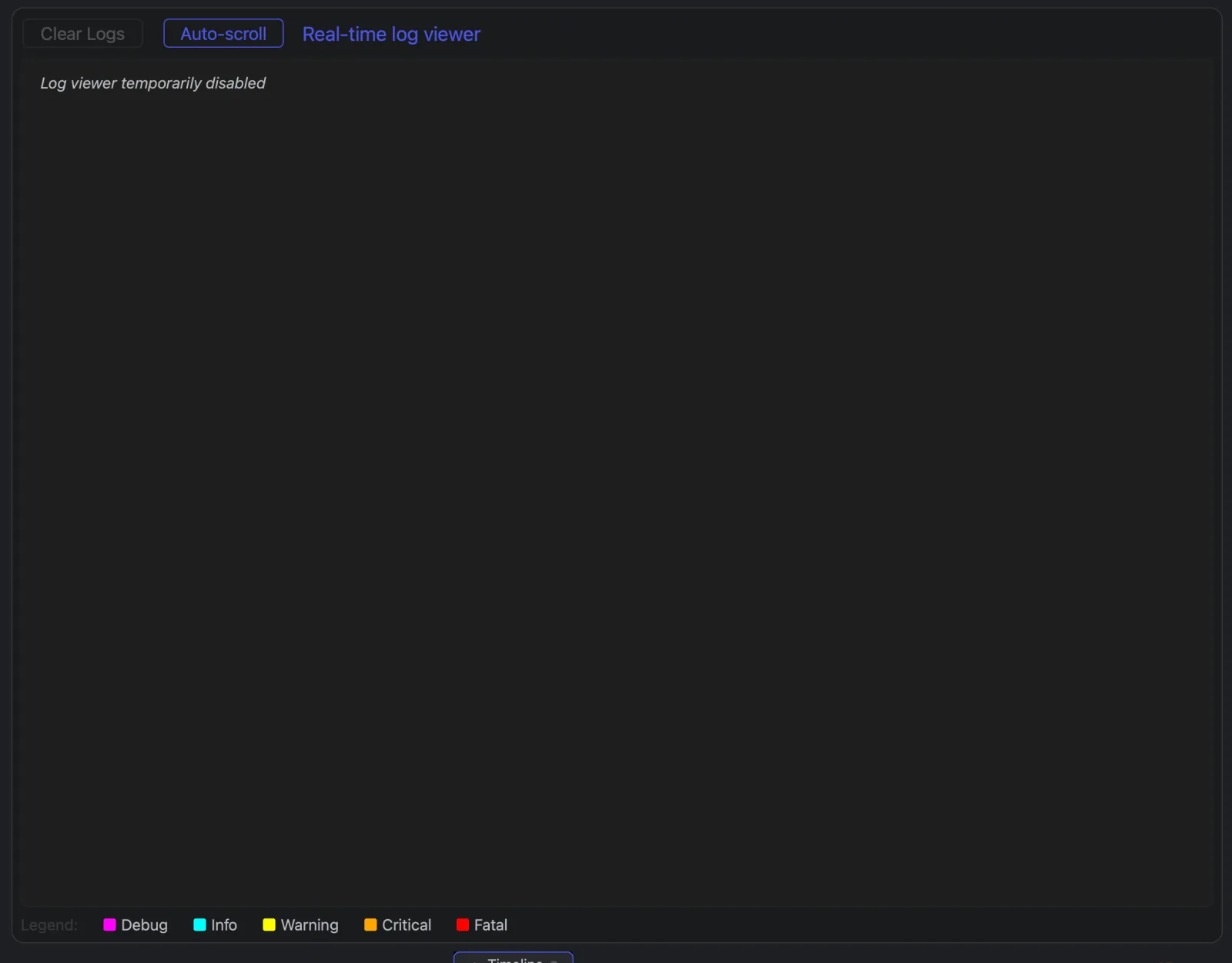
Pick a level and type a word in Filter lines (a DAC, controller or file name) to find a message. The page keeps only the last 5,000 lines, and skips lines that come too fast; the log file keeps everything.
Log files
Log file at the bottom shows where this session is written: LoopAlchemy.log in
Documents/Excalibur Laser Systems/Loop Alchemy. Open log folder shows it in Finder or
Explorer.
Report a problem
Send LoopAlchemy.log from the session with the problem, the workspace, the steps, and the
version from Help → About. When a workspace fails to open, Copy Report in the loading
window copies the details.