Laser
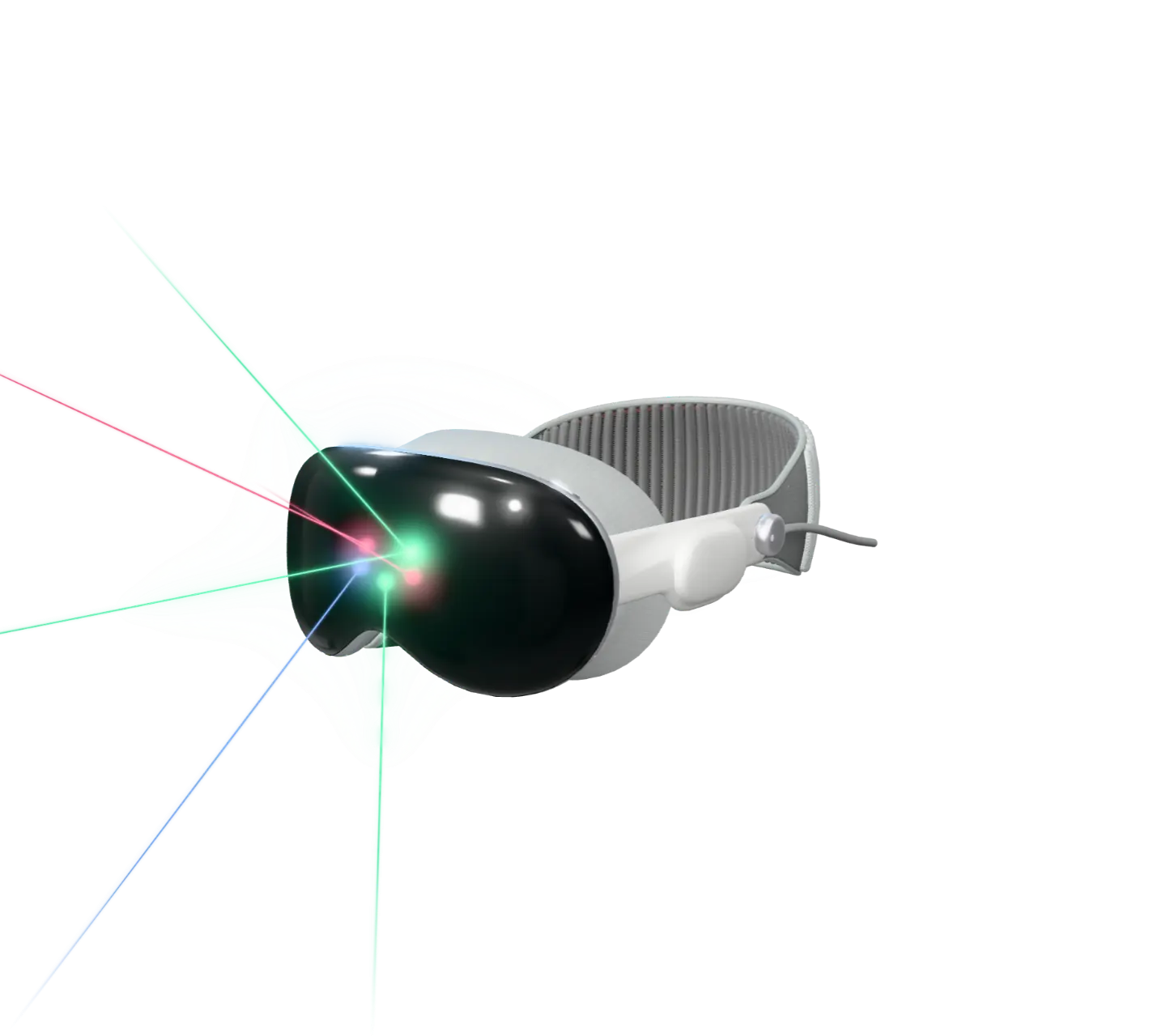
See the laser show before you’re at the venue. LaserViz draws the beams in 3D on Apple Vision Pro, in your own room or in a virtual venue.
Coming to the App Store Requires Apple Vision Pro
Your room, or a
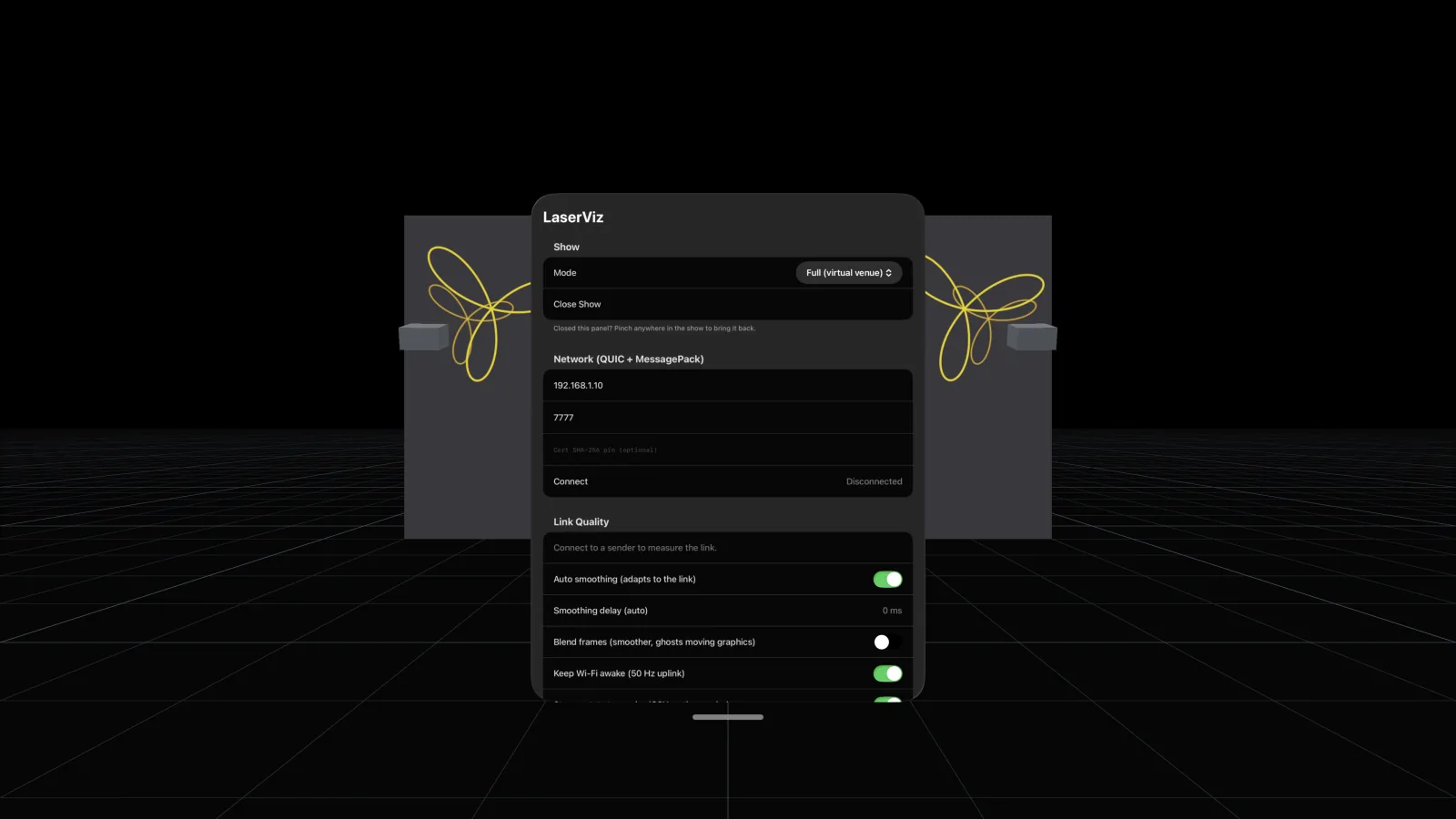
Plan in the room you’re in, or step into a dark venue where the beams are easiest to see.
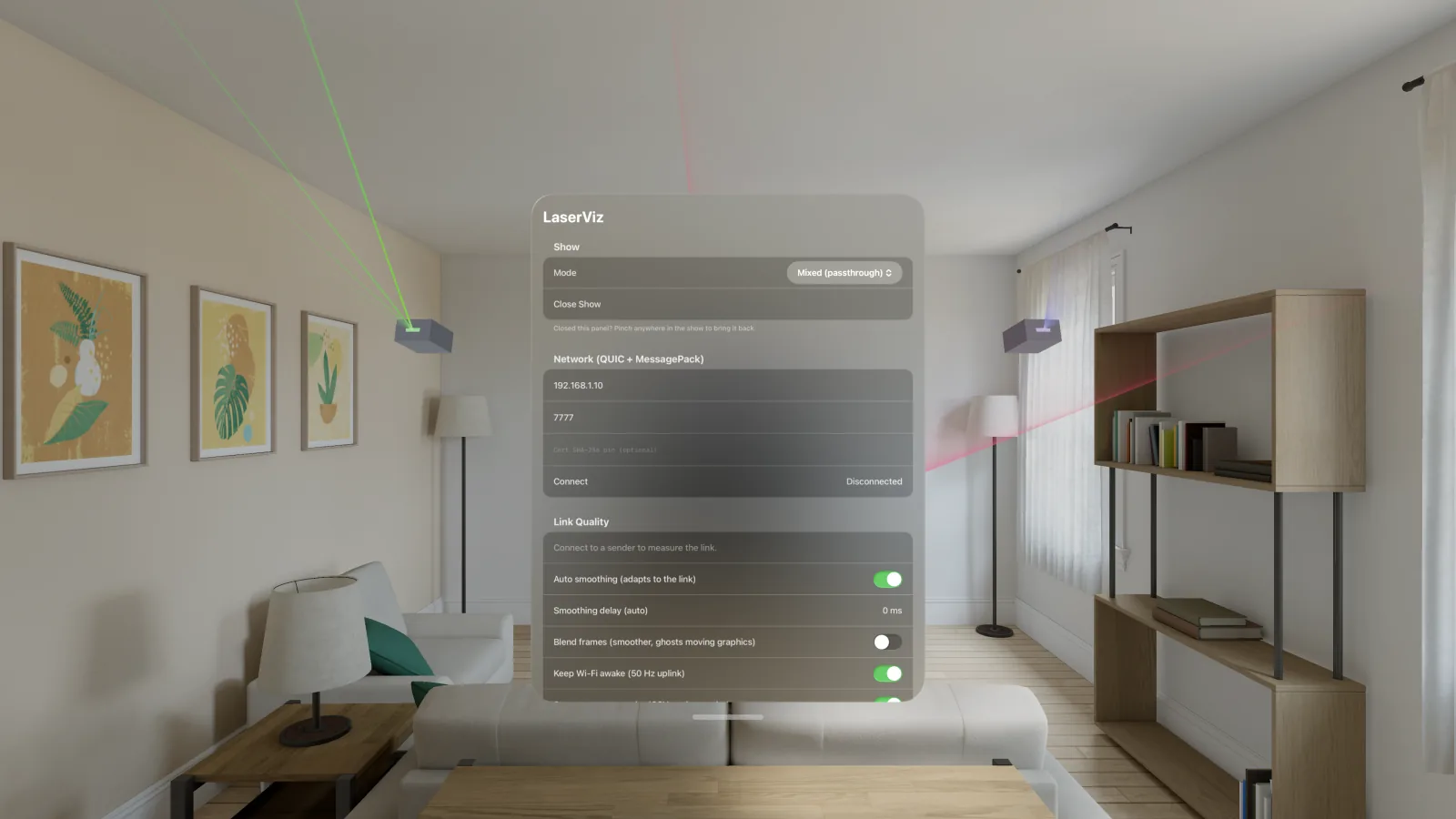
Your room
Mixed immersion. The beams appear in the room around you, and real walls and objects hide them as they would hide real beams.
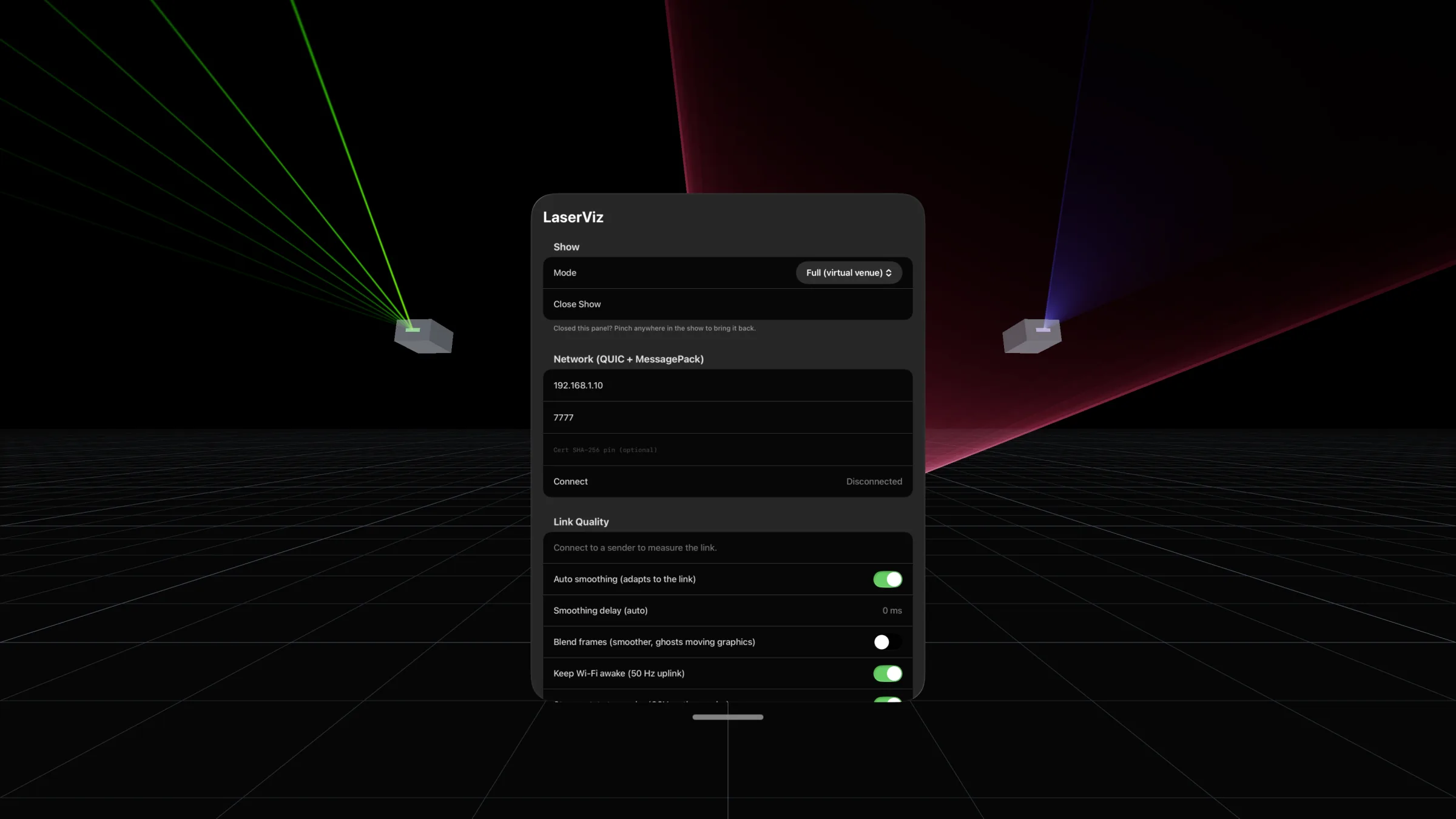
A virtual venue
Full immersion. A dark space with a floor, where you can place screens and walls for the beams and graphics to land on.
Volumetric beams
Light that behaves like
LaserViz works from each projector’s real numbers, so beams look as bright, as wide and as hazy as they will on the night.
Beams in haze
Beams scatter in haze and end on the floor, on screens and on surfaces you place. Turn the haze up or down.
Projector photometry
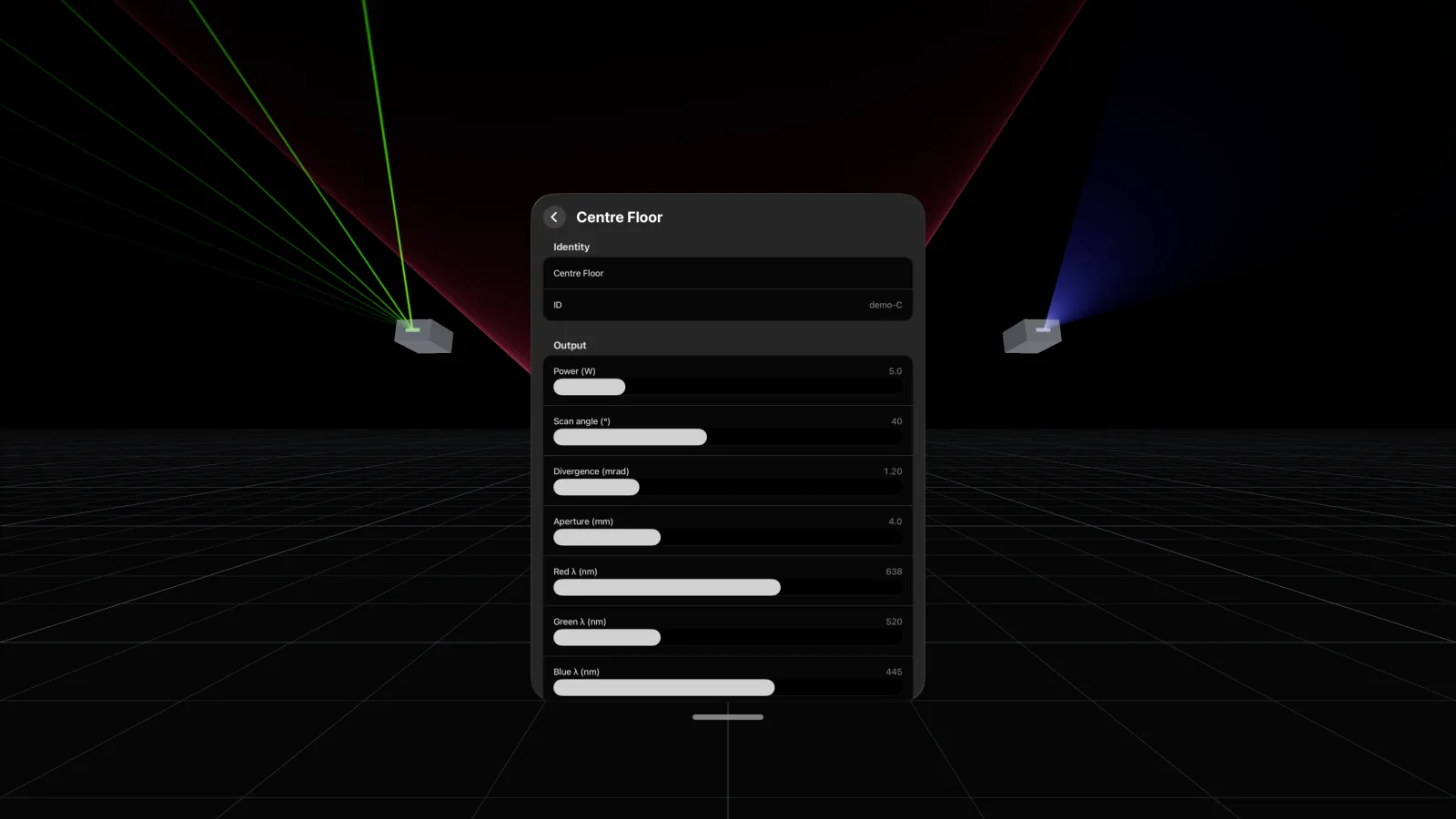
Each projector has its own power, scan angle, divergence, aperture and wavelengths.
Brightness as the eye sees it
Brightness follows how the eye sees each colour. 1 W of 520 nm green looks about 25 times brighter than 1 W of 445 nm blue.
Scanned shapes
A projector drawing more points spreads its power over them, so a static beam is far brighter than a cone from the same projector.
Screens and surfaces
Add screens and walls for beams to end on, and scanned graphics appear on them. An intersection plane shows each scan in mid-air.
Atmosphere and look
Set haze, exposure and bloom to match the room you’re planning for.
Live from your show
Your show,
Run show-control software that sends LaserViz’s open protocol on the same local network. Live Alchemy does. It streams your projectors and their live scan frames to the headset, so you see each change as you make it.
- An open protocol (QUIC and MessagePack), so other show software can send to it too
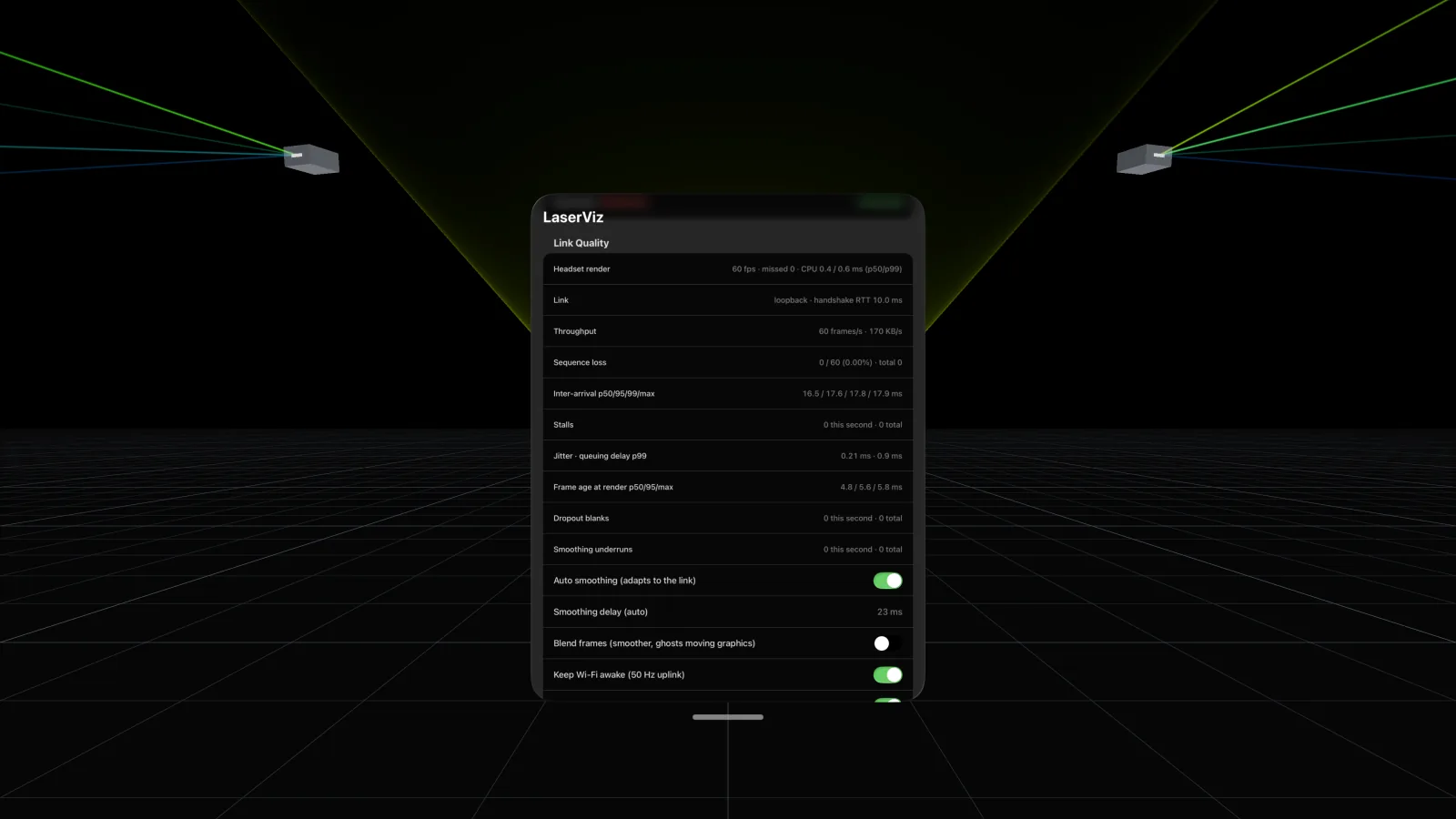
- Link Quality measures the Wi-Fi link while you play: frame rate, stalls, jitter and how old each frame is
- Smoothing adapts to the link, so uneven Wi-Fi still plays back evenly
Built in
Try it
You don’t need a show to start. LaserViz opens with three demo projectors driven by built-in patterns.
- Single beam, fan, light sheet, cone or tunnel, wave and a dense figure
- Change each projector’s pattern, colour, power, angle and placement
- Add your own projectors, screens and surfaces
In the
Captured from the app. Click any image to view it full size.
What you need
- Apple Vision Pro with visionOS 26 or later
- For live shows: a computer on the same local network running show-control software that sends the LaserViz protocol, such as Live Alchemy
- No account and no sign-in. LaserViz connects only to the computer you point it at, and collects no data
A preview, not a safety tool
LaserViz is for previewing. It isn’t a laser safety tool, and the hazard distance it shows for each projector is indicative only.
Plan the safety of a real show with proper measurements and a qualified laser safety officer, and follow the rules where you perform.
Coming to the App Store
LaserViz requires Apple Vision Pro. Subscribe and we’ll tell you when it’s out.
Occasional emails about our apps. We'll send a link to confirm first, and every email has an unsubscribe link. See our Privacy Policy.
Apple Vision Pro and visionOS are trademarks of Apple Inc., registered in the U.S. and other countries and regions.
3D model: “Apple Vision Pro” by DextonOfficial (https://skfb.ly/oK6zO), CC BY 4.0, modified (optimised for the web).