Paint
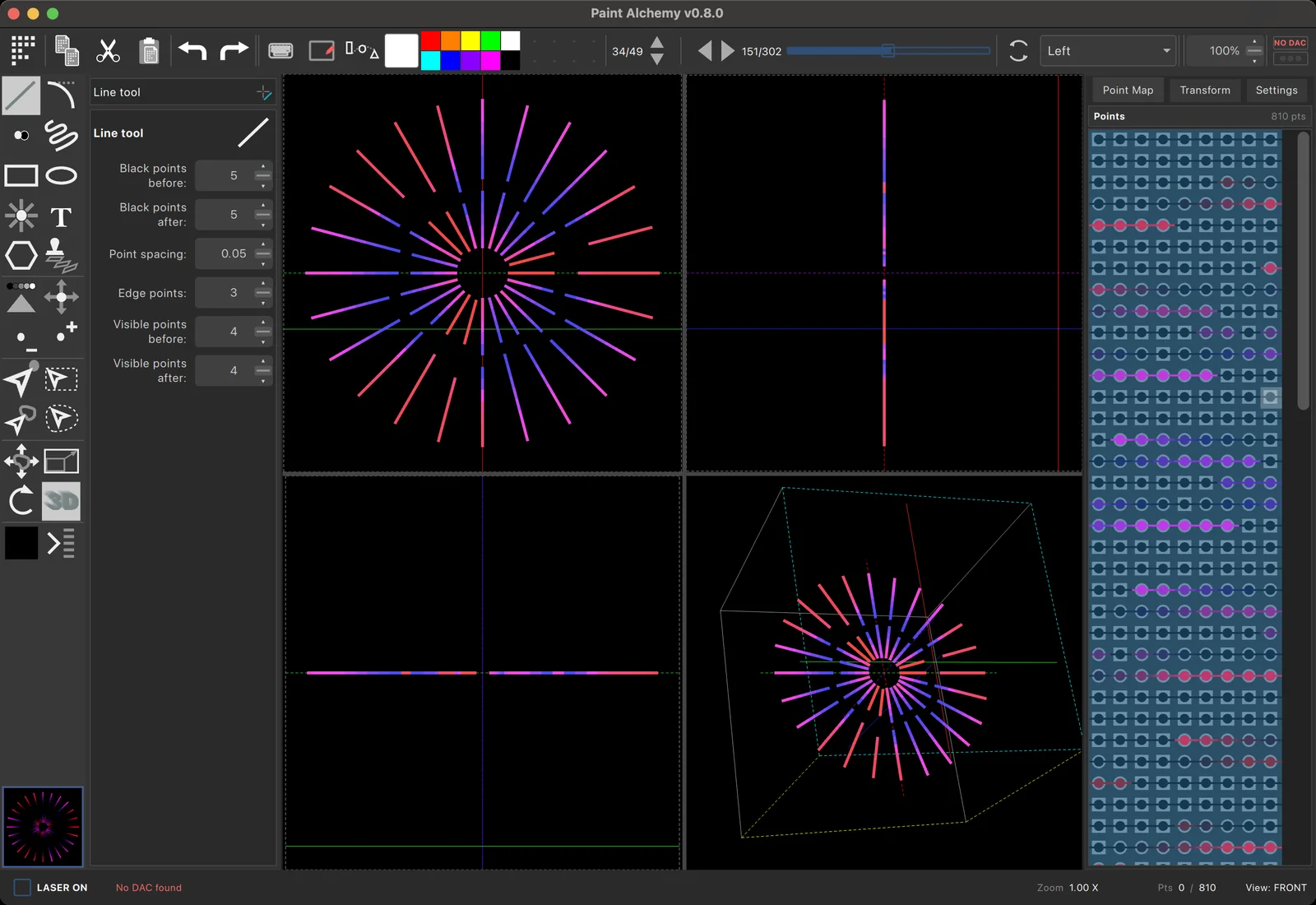
The authoring tool inside Loop Alchemy. Draw, trace and sculpt laser frames in 2D and 3D, then use them in your cues the moment you close it.
Everything you need to
A complete frame editor, built for how scanners actually move.
Drawing tools
Lines, splines, rectangles, ellipses, polygons, beams, freehand, text and stamps, with select and transform tools to shape the result.
Layers
Build a frame from layers you can hide, reorder and edit on their own, with full undo.
Scanner-aware smoothing
Paths are smoothed with the physics of real scanners in mind, so what you draw is what the galvos can draw.
Trace anything
Put a reference image behind the canvas and trace logos, artwork and photos straight into laser paths.
Particles
The Collider generator fills a frame with moving particles for organic, living looks.
ILDA in and out
Open existing ILDA frames to touch them up, and save your work back out to ILDA.
3D
Frames with
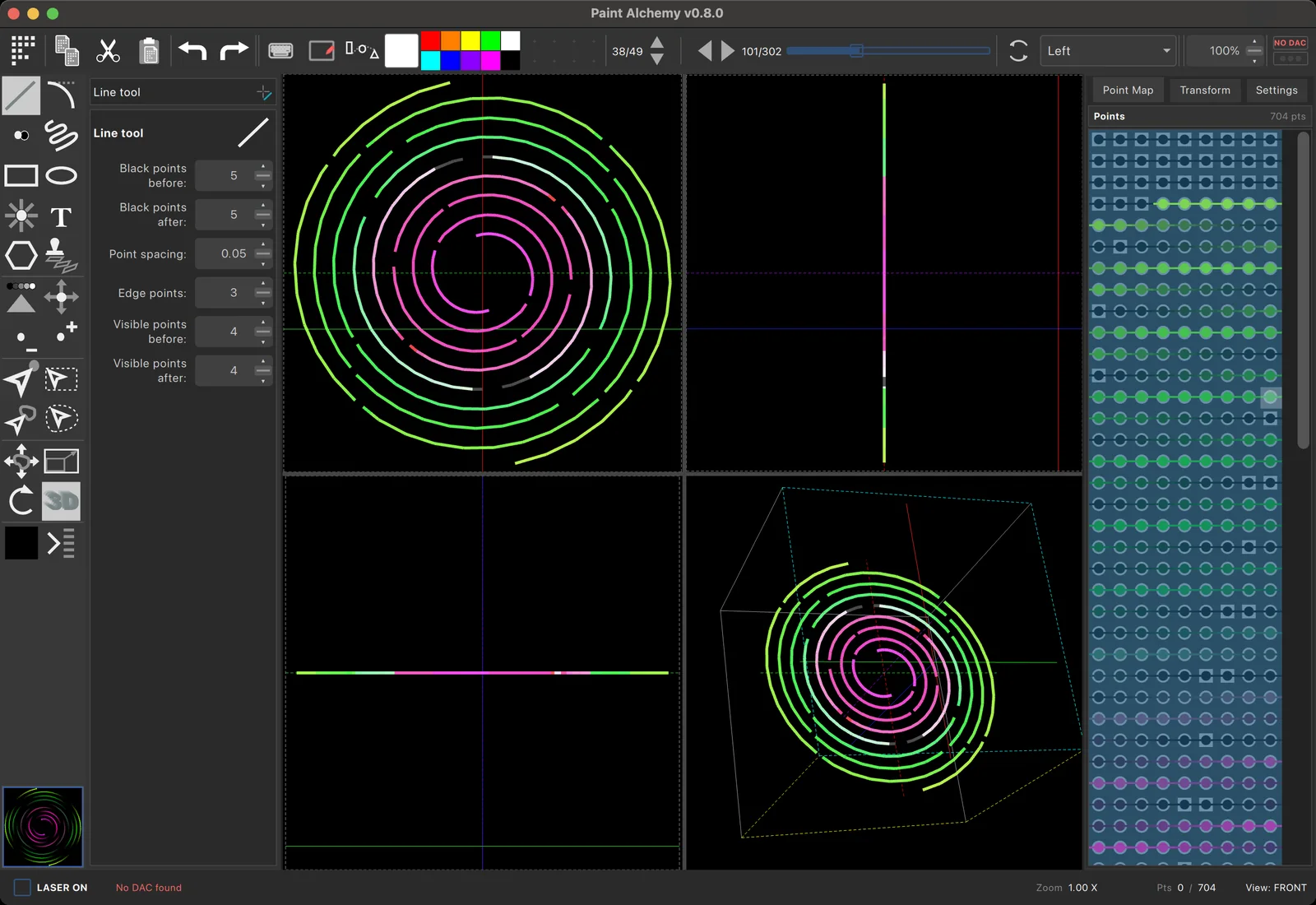
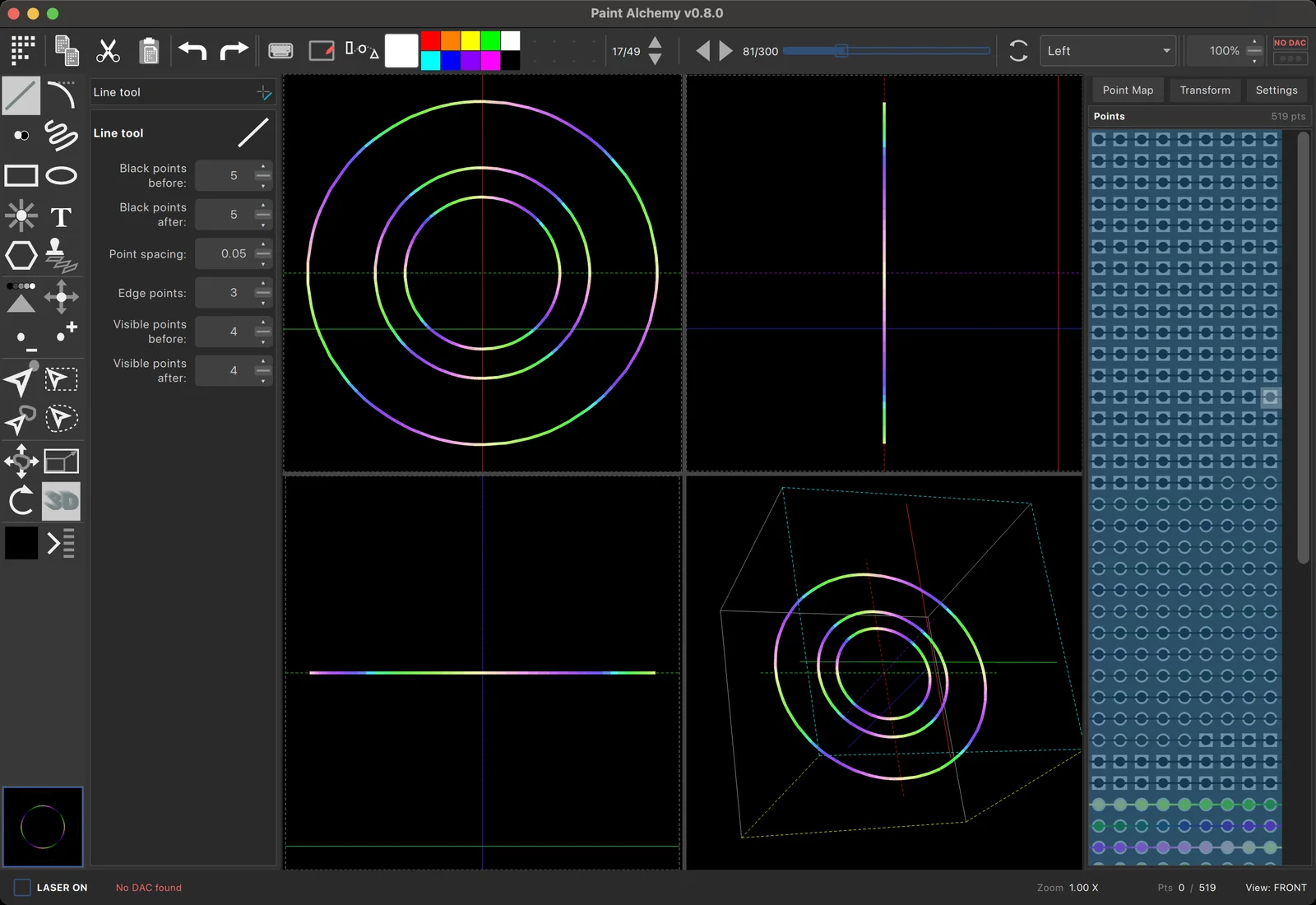
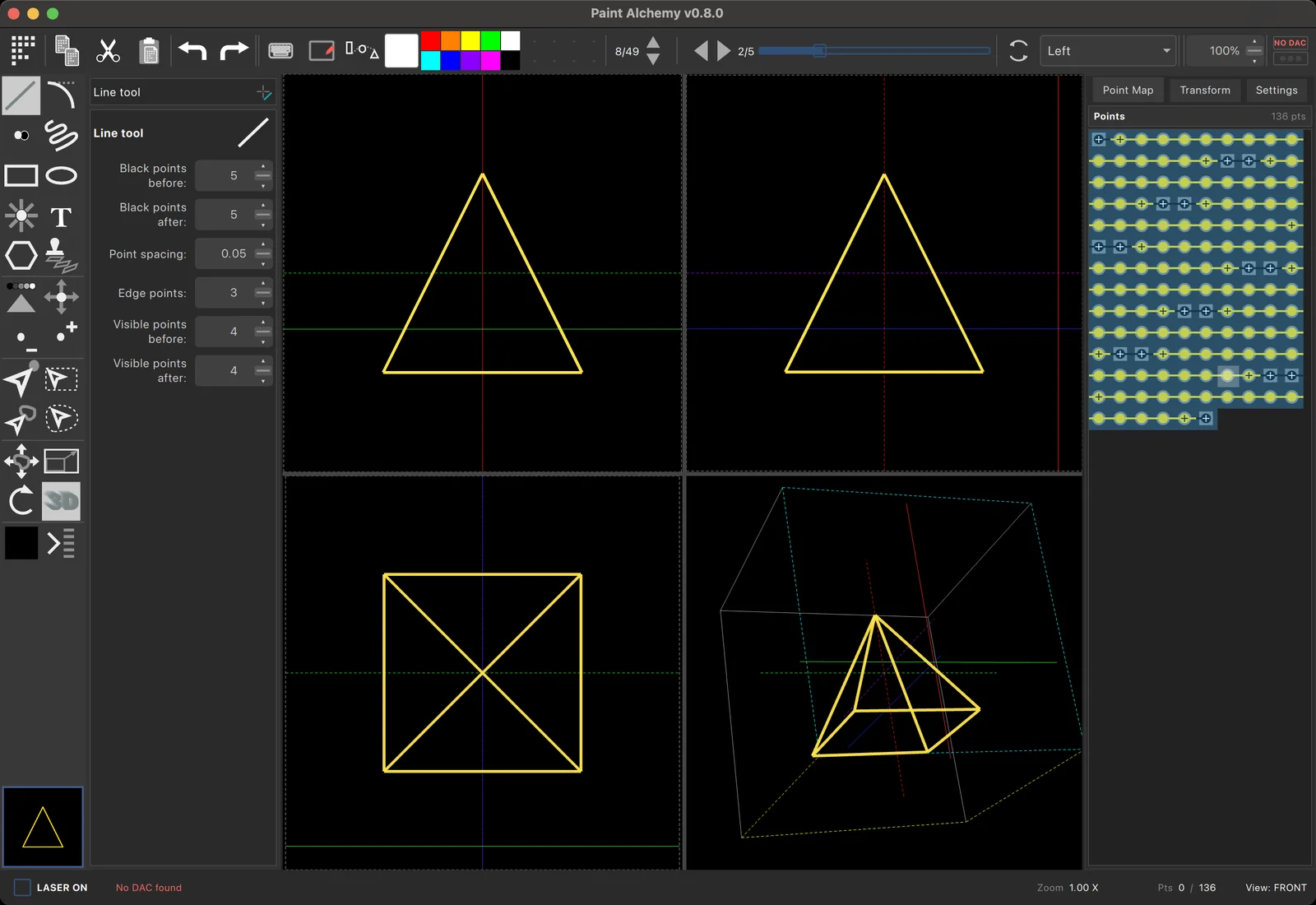
Every point in a Paint Alchemy frame has a depth. Extrude a logo into a solid, tilt and spin it in space, and check the beams in the 3D preview before they reach the room.
- Extrude, rotate and scale frames along any axis
- Real-time 3D beam preview
- 3D frames play through the same cues, effects and timeline as everything else
Illustration
You
Draw our logo as a single closed path, centred, at 60% size, then add a slow spin layer.
Assistant, via Paint Alchemy’s MCP server
→ adds a layer and draws the outline
→ scales it to 60% and centres it
→ duplicates it to a second layer and rotates it
Done. Two layers: the logo outline and a rotating copy. Preview is updated.
Embedded MCP server Beta
Draw
Paint Alchemy runs a Model Context Protocol server on your machine. Connect Claude or any other MCP client, and it can create layers, draw paths and transform frames while you watch. Then you take over by hand.
- Runs locally, only on your computer, and only when you switch it on
- Works with any MCP-compatible assistant
- Every change lands in the normal undo history
Built into
Open Paint Alchemy from the Frames menu. It edits your workspace’s frames directly and pauses output while you draw. There’s nothing to export and nothing to re-import.